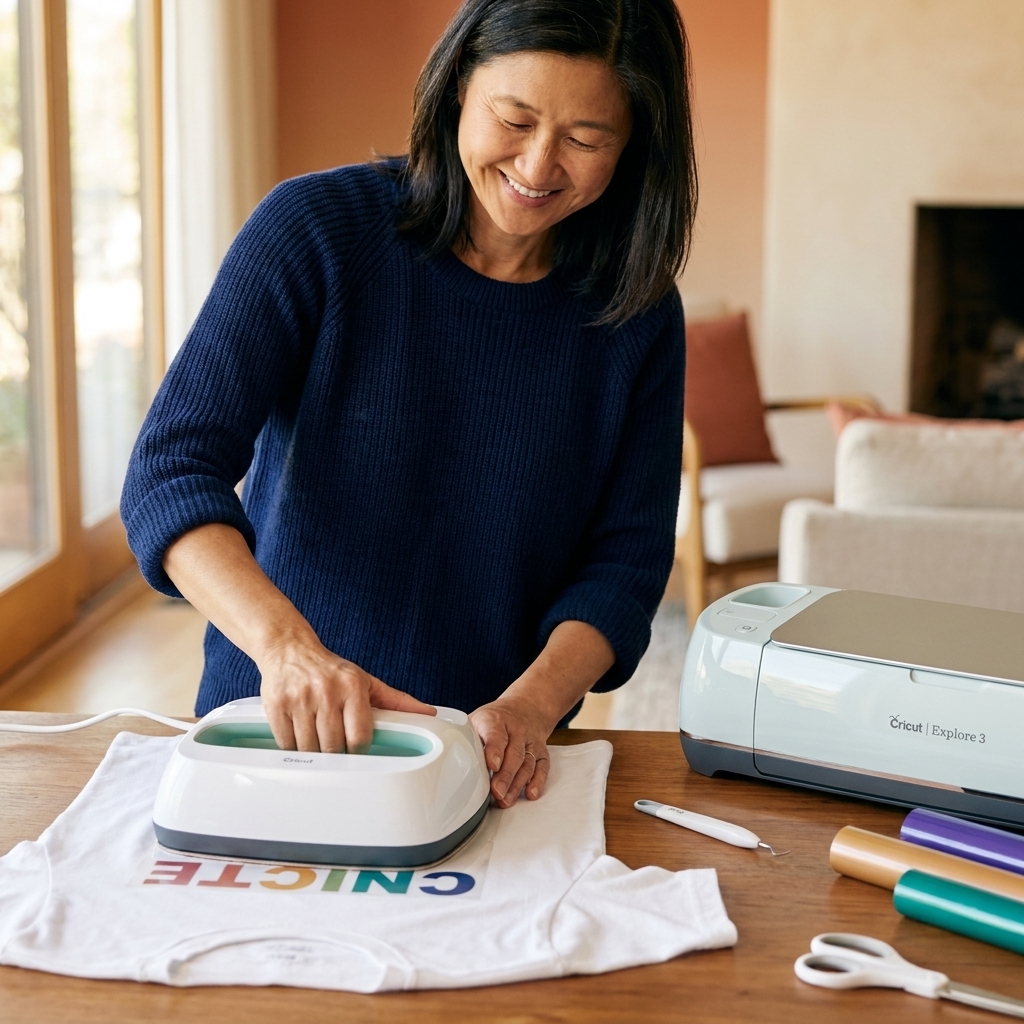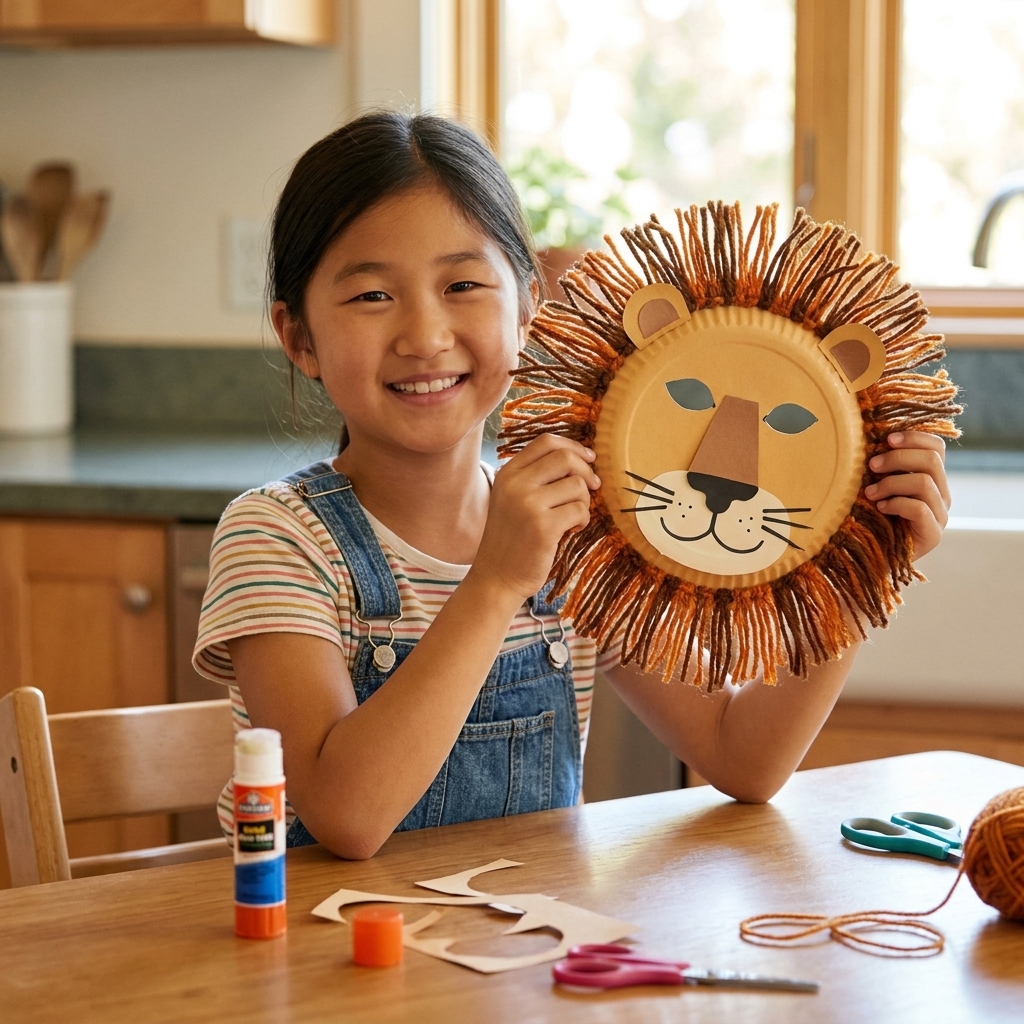
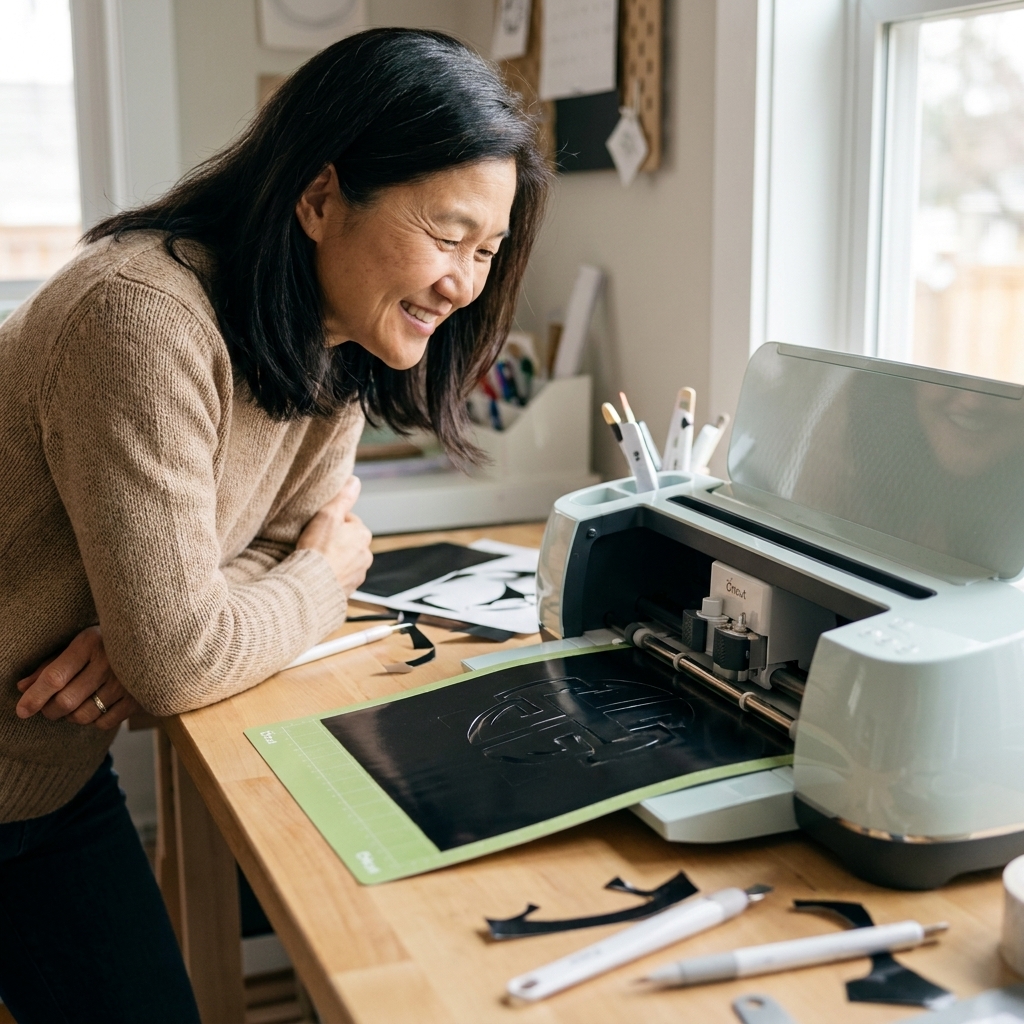
A beginner-friendly roundup of simple vinyl projects you can make today, plus practical tips for cleaner weeding, straighter placement, and longer-lasting re...
If you have ever watched a vinyl decal peel perfectly off a mat or a sticker sheet cut with crisp little kiss-cuts, you have probably felt the same thing I did: a tiny sparkly jolt of I need that in my life. And then you hit the big decision. Cricut or Silhouette?
I have helped a classroom full of kids cut paper snowflakes by hand, and I still love scissors, but an electronic cutting machine is a game-changer for anyone who crafts regularly. The “right” choice depends less on what the internet says is best and more on how you actually craft: your budget, your patience for software, and the materials you reach for most.
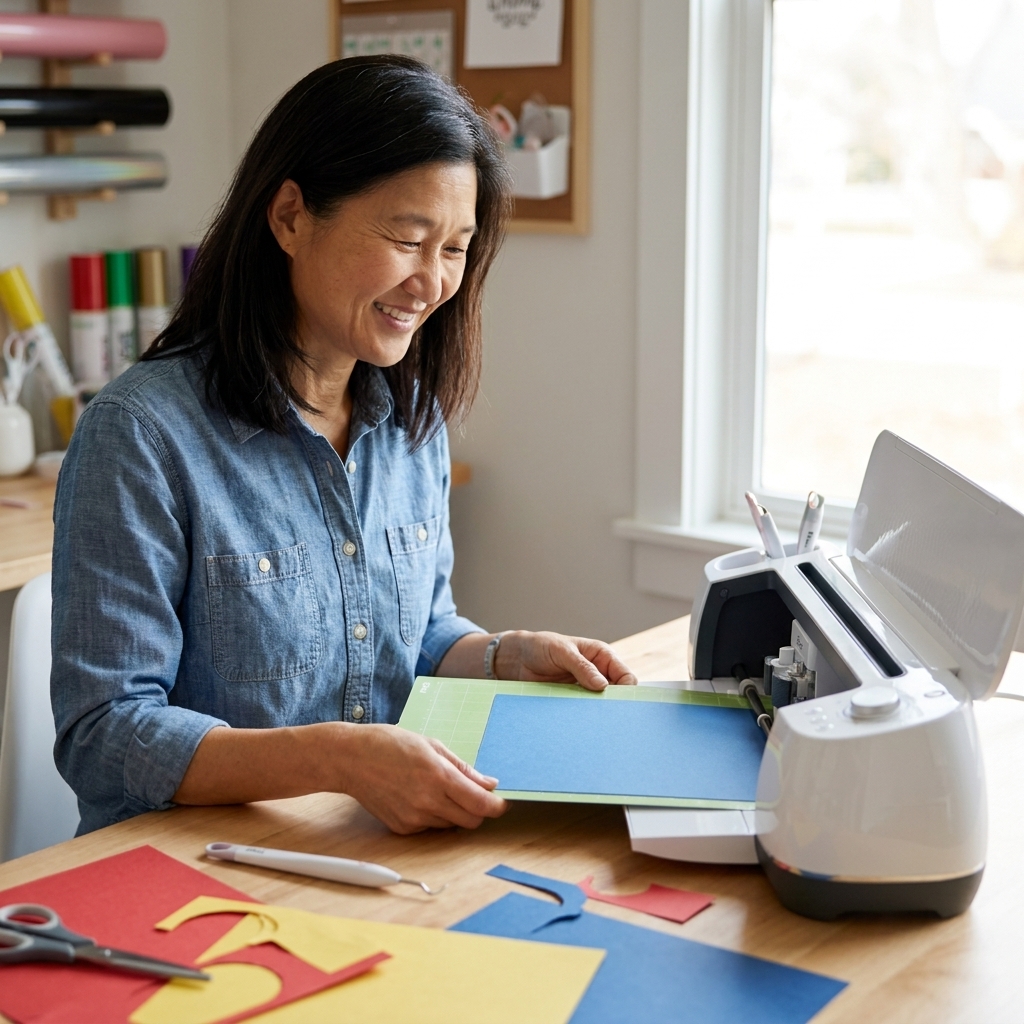
Below is a clear, no-pressure comparison to help you pick the machine you will actually enjoy using, not just the one that looks good on a wishlist.
Quick answer: which one should you buy?
- Choose Cricut if you want a smoother beginner experience (for many users), a huge library of ready-to-make projects, and you prefer a guided, app-like workflow.
- Choose Silhouette if you want more control over design, you like tweaking settings, and you want to grow into advanced workflows like saving reusable sticker sheet templates, dialing in offsets, and building repeatable cut settings per material.
If you are still on the fence, keep reading. The “best” machine shifts depending on whether you are mostly doing vinyl, stickers, paper crafts, or thicker materials like basswood and leather.
The big differences at a glance
1) Software approach
Cricut Design Space is built to be friendly and guided. You can design from scratch, but it really shines when you want to grab a template, type a name, choose a font, and press Make.
Silhouette Studio is more like a design program. It can feel “more buttons, more options” at first, but that is exactly why many advanced crafters love it. You can build detailed designs, manipulate points, and get very particular with cut lines.
2) Cost structure
Both brands run sales, and prices change often, but here is the pattern that matters long-term:
- Cricut often nudges you toward a subscription for the biggest library of images, fonts, and ready-to-make projects. You can use the machine without a subscription, but if you love one-click projects, you may feel the pull.
- Silhouette tends to be more “buy the machine, then optionally buy software upgrades.” Many people like that the design library is not as subscription-centered for day-to-day designing.
3) Materials and flexibility
Both cut vinyl, cardstock, iron-on (HTV), sticker paper, and more. Cricut’s Maker line is known for broad material capability, especially when you add specialty blades and tools. Silhouette machines are also very capable, especially for detailed cuts and print-then-cut work, and they offer larger-format options if you want wider cuts (for example, wider Cameo models).
Machine lineups: who matches what?
Instead of getting lost in model names, think in tiers.
Entry level: light materials, everyday crafts
- Cricut Joy and Joy Xtra: compact machines for labels, small decals, simple cards, and quick projects. Great if space is tight or you want a “craft sidekick.”
- Silhouette Portrait: a compact option that is popular with sticker makers and paper crafters who still want Silhouette Studio’s design flexibility.
Mid to high tier: bigger, faster, more materials
- Cricut Explore series: a strong all-purpose choice for vinyl, iron-on, cardstock, and print-then-cut.
- Cricut Maker series: Cricut’s most versatile line, designed for a wider range of materials and tools.
- Silhouette Cameo: a workhorse line that many home crafters and micro-businesses use for vinyl, HTV, cardstock, and sticker workflows.
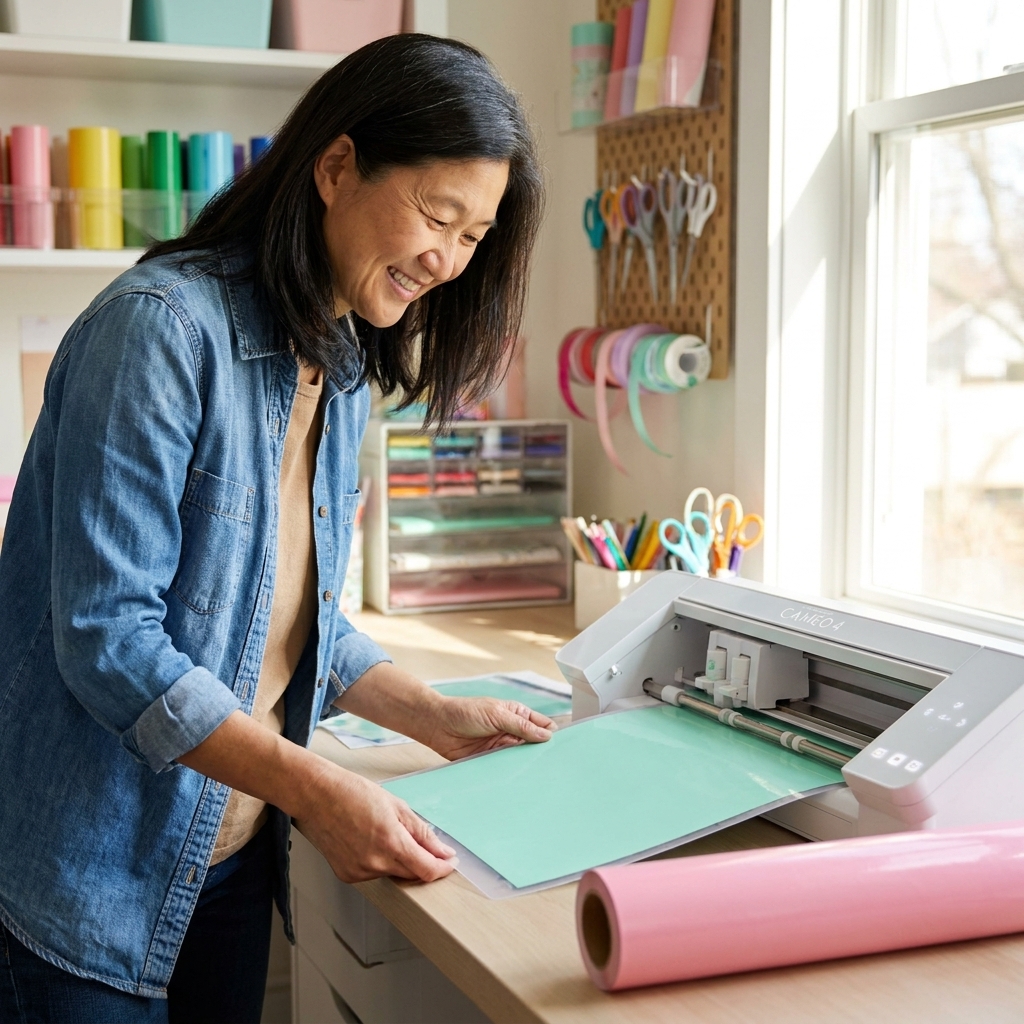
My teacher-style tip: If you are buying your first machine, do not just ask “Which is more powerful?” Ask “Which will I set up and use weekly?” The fanciest machine is not a good deal if it intimidates you into staying in the box.
Design software: the make-or-break factor
Cricut Design Space: easier ramp-up
Cricut is often an easier start for beginners because the workflow is guided and consistent. You can log in, pick a project, and be cutting quickly. If your crafting joy comes from making more than designing, Cricut can feel very cozy.
- Best for: beginners, people who want ready-to-go projects, gift makers, classroom and family crafting.
- Watch-outs: if you want deep design tools, you may find yourself designing elsewhere (like in a separate design program) and importing files.
Silhouette Studio: more control, bigger learning curve
Silhouette Studio is loved by detail-oriented crafters. It can do simple projects too, but its strength is precision and control. If you like adjusting nodes, perfecting offsets, and getting sticker cut lines exactly right, Silhouette is the friend who loves spreadsheets and will absolutely label the bins.
- Best for: sticker makers, cut-file tinkerers, small businesses, and anyone who enjoys designing from scratch.
- Watch-outs: it may feel less intuitive at first. Expect a learning curve, especially if you have never used design software.
Print-then-cut and stickers
If you are dreaming of sticker sheets, planner stickers, product labels, or die-cut stickers, you are really shopping for a smooth print-then-cut experience.
Cricut
Cricut can absolutely do stickers and print-then-cut projects, especially for personal use, gifting, and smaller runs. Many crafters love how guided the process feels inside Design Space.
Silhouette
Silhouette has a strong reputation in the sticker world, and many sticker sellers report that Silhouette Studio feels more adjustable for sticker production. Concrete examples: point editing for cut lines, quicker offset tweaks for white borders, and more layout control when you want to batch a page of designs into consistent sticker sheets. Features and menus can change by software version and machine generation, but the overall vibe is still “more knobs to turn,” which sticker people tend to appreciate.
A real-world note (because stickers can be picky)
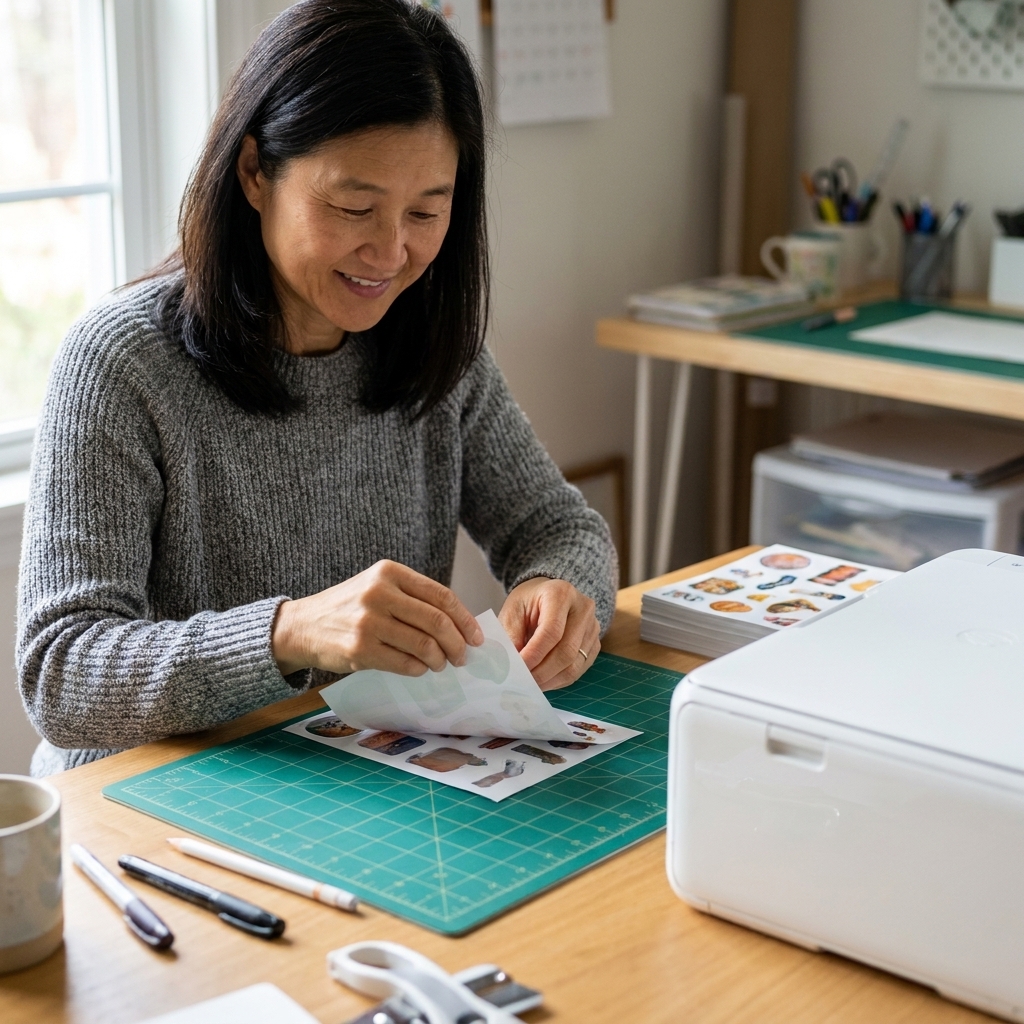
Print-then-cut success is not just “the machine.” Lighting, calibration, paper choice, and laminate thickness can all affect sensor reading and accuracy. Most print-then-cut workflows also have a usable print area limit and rely on registration marks, so do not be surprised if you cannot fill the entire page with stickers. If you plan to laminate stickers, expect a little testing to find what your setup likes.
Materials: what do you actually want to cut?
Here is a practical way to think about it: list your top three craft habits, then match the machine to those habits.
Vinyl decals and labels
Both Cricut and Silhouette are great at adhesive vinyl. If your main goal is home organization labels, mugs, water bottles, and basic decals, you can be happy with either ecosystem. Your decision can come down to software preference and local availability of supplies.
Iron-on (HTV) for shirts and totes
Both handle HTV beautifully. What matters more is whether you want a super-guided workflow (Cricut) or you want more design control (Silhouette). Either way, budget for a decent weeding tool and a heat-press setup you trust.
Cardstock, invitations, party decor, and school projects
Both shine here. Cricut’s ready-to-make projects can be especially helpful when you want cute results fast. Silhouette’s design controls can be helpful when you want custom sizing, intricate cut files, or batch-making.
Thicker and specialty materials
If you are excited about things like chipboard, thin wood, leather, or craft foam, pay attention to which model you are buying and what tools it supports. Cricut’s Maker line is designed with specialty tools in mind, which is why many material-explorers gravitate there.
Important fine print from my glitter-covered desk: thicker materials are not always plug-and-play. You will need the right blade or tool for the job (for example, a Knife Blade or Deep-Point Blade depending on the machine and material), you will want to stay within the published thickness limits for your machine, and you should expect test cuts and multiple passes. Not all woods and leathers behave the same, even at the same thickness, so plan on some trial-and-error by brand and finish.
Ease of use and daily friction
If you want fewer headaches
Cricut often feels smoother in the first week for many users. The interface is geared toward getting you from idea to finished project quickly, and the project library is huge. If you are the kind of person who gets discouraged when tech feels fussy, Cricut is often the less frustrating start.
If you like to tinker
Silhouette tends to reward curiosity. Once you learn where things live in the software, you can do a lot. If you enjoy dialing in settings and building your own workflow, Silhouette can feel empowering, not annoying.
What device do you craft on?
This part matters more than people think. Cricut Design Space is built around an account login and is commonly used on phones and tablets as well as computers. Silhouette Studio has historically been a desktop-first experience. Before you buy, confirm that your preferred device supports the full workflow you want, especially if you rely on a Chromebook, an iPad-only setup, or a shared family computer. Also consider internet reality: some Design Space features are cloud-connected, so if your crafting space has spotty Wi‑Fi, check how the current offline options work before you commit.
Noise, space, and craft room reality
All cutting machines make some noise and need a little breathing room. If you craft at the kitchen table, consider:
- Footprint: compact models are easier to store.
- Mat handling: you need clearance in front and behind the machine.
- Supply sprawl: blades, mats, vinyl rolls, and tools add up fast. A small bin system saves sanity.
Costs that surprise people
The machine is only part of the budget. This is the part I wish more of us talked about before clicking Buy.
- Mats: they wear out, get fuzzy, or get too sticky. You can extend their life, but you will replace them eventually.
- Blades: paper dulls blades faster than you think, especially with glitter cardstock.
- Tools: weeding tools, scrapers, brayers, tweezers, and a true lightbox moment when you realize you now own three pairs of tiny scissors.
- Materials: vinyl, HTV, sticker paper, transfer tape, cardstock, and laminate. This is where the monthly spending sneaks in.
- Software extras: subscriptions (common in many Cricut workflows) or software upgrades (common in many Silhouette workflows), depending on how you craft.
- Ecosystem convenience: you do not have to buy only brand-name tools and materials, but many people end up doing it for simplicity. If you love third-party supplies, check compatibility and settings support in your community groups.
No-waste tip: keep a “test cut” box. Tiny scraps are perfect for checking settings before you commit your good materials, and you can use those scraps for mini decals, gift tags, and labels.
Best fit by crafter type
If you mainly make gifts and decor
Cricut is often the happiest fit because you can lean on the project library, fonts, and templates to get polished results quickly.
If you love designing from scratch
Silhouette is usually the better match. The design tools give you more room to create and refine.
If you want to start a small craft business
Either can work, but consider where your time will go:
- If you are selling mostly stickers and labels, Silhouette’s design control and batching workflow often feels more production-friendly.
- If you are selling custom vinyl decals and apparel and you want faster onboarding and a guided workflow early on, Cricut can be easier to ramp up.
If you craft with kids or in a classroom
Cricut tends to be simpler for group environments. Fewer knobs to turn means more time making and less time troubleshooting.
My gentle decision checklist
If you are stuck, answer these five questions. Your answers usually make the choice obvious.
- Do I want to design or do I want to make? (Design = Silhouette leaning. Make = Cricut leaning.)
- Will I do lots of stickers and print-then-cut? (If yes, look closely at Silhouette, and read up on your exact model.)
- What is my tolerance for learning software? (Low tolerance = Cricut leaning.)
- Do I want wider cuts or a compact machine? (If wider cuts matter, compare the maximum cut width for the specific model you are considering, because it varies by machine.)
- What will I make in the first month? If you cannot name three projects, start smaller and cheaper. You can always upgrade later.
FAQ
Do I need a subscription to use a Cricut?
No. You can create and cut your own designs without a subscription. A subscription mainly unlocks a larger library of images, fonts, and ready-to-make projects.
Is Silhouette harder to use than Cricut?
It can feel harder at the beginning because Silhouette Studio offers more design controls right away. If you enjoy learning tools and customizing settings, it becomes a strength instead of a hurdle.
Which is better for beginners?
Many beginners feel more comfortable starting with Cricut because the workflow is guided and the project library is robust. Beginners who are excited to learn design skills often do great with Silhouette.
Which one is better for stickers?
Both can make stickers, but Silhouette is often favored by sticker makers for the level of control in print-then-cut workflows, especially when you want consistent offsets, precise cut lines, and repeatable layouts. If stickers are your main craft, weigh that heavily and read current reviews for the specific model you are considering.
Can I use my own SVG files with both?
Cricut supports uploading SVG files. With Silhouette, SVG import has often required a paid Silhouette Studio edition in many releases. In practice, the Basic Edition has typically not imported SVG, while Designer Edition or Business Edition has commonly been needed. Because software editions and feature lists can change, confirm current SVG support for your exact Studio version on Silhouette’s site before you buy a bundle of SVG files.
Bottom line
If you want an easier path to consistently cute results, Cricut is often the simplest, smoothest experience for many crafters. If you want more design freedom and you love dialing in details, Silhouette is a powerful choice that can grow with you.
Whichever you choose, promise me one thing: make your first project something delightfully low-stakes. A set of pantry labels, a birthday card, a tote bag with a silly quote. Let the machine earn your trust before you attempt the mega wedding invitation suite at midnight. Ask me how I know.